OFFLINE GPU COLLECTOR · WINDOWS

Collect the
hardware.
Keep the moment.

WINDOWS 10/11 x64 · 100% OFFLINE · NO ACCOUNT
01 / THE ARRIVALSCROLL TO UNSEAL ↓

02 / THE OPENING RITUAL

Hold. Cut. Reveal.

Engraved Cardable card back
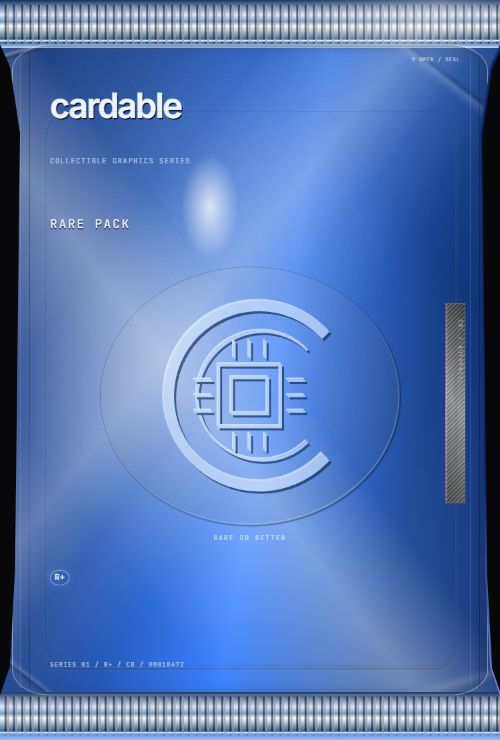
Cardable Rare pack with sapphire laminate and sealed crimps
SEALED / RARE PACK

03 / THE MOMENT

The moment.

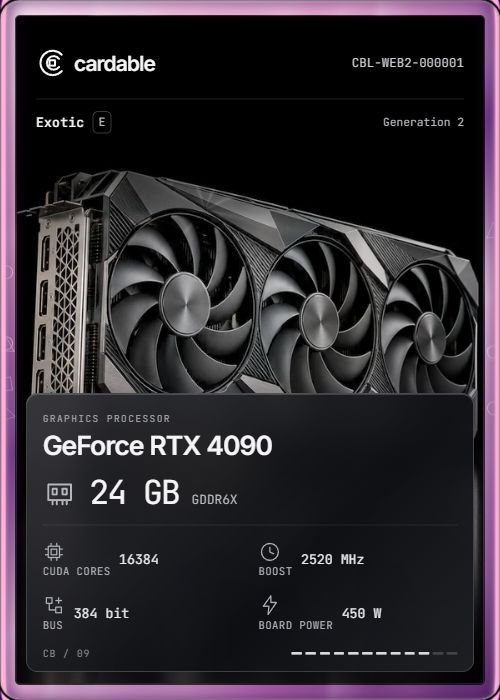
Exotic GeForce RTX 4090 revealed
EXOTIC / GeForce RTX 4090

DEMO COLLECTION / EXOTIC

04 / COLLECTIBLE MATERIALS

Same hardware.
Your finish.

Normal

01 / 05
RTX 4090 with original Exotic material

05 / THE COLLECTION

Make room.

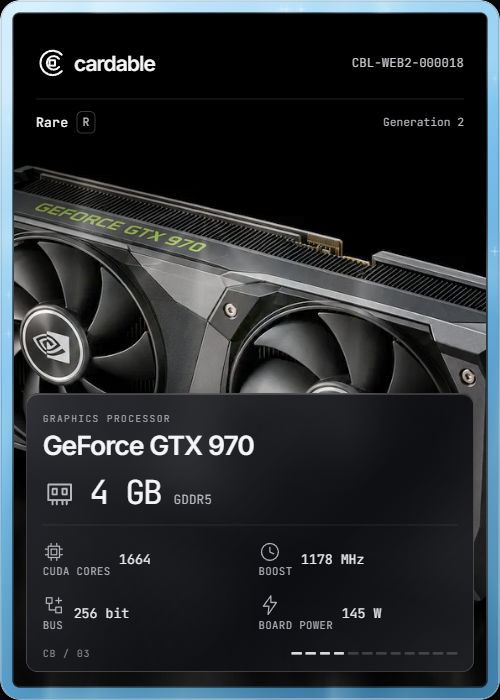
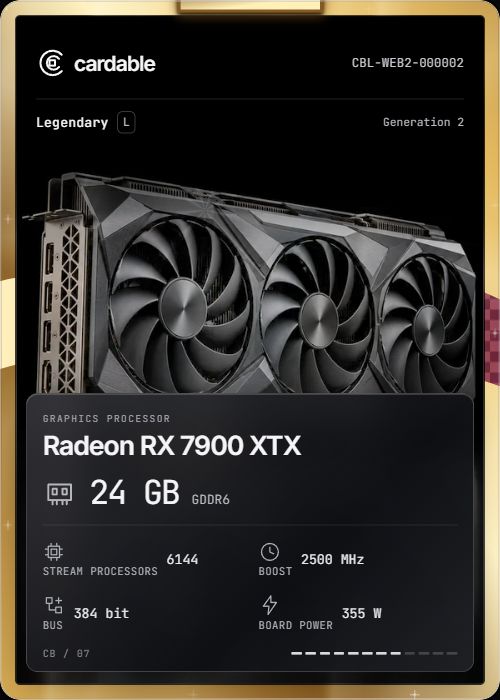
24 cards on display

06 / THE RECORD

One card.
Its own story.

CBL—WEB2000001

Demonstration card with permanent serial

DEMO COLLECTION / PROVENANCE

GeForce RTX 4090

Serial
CBL-WEB2-000001
Finish
Normal
Pack
Rare pack
Record
Demo record · kept locally
Explore full collection ↗

07 / WORLDS

Some reveals
change the room.

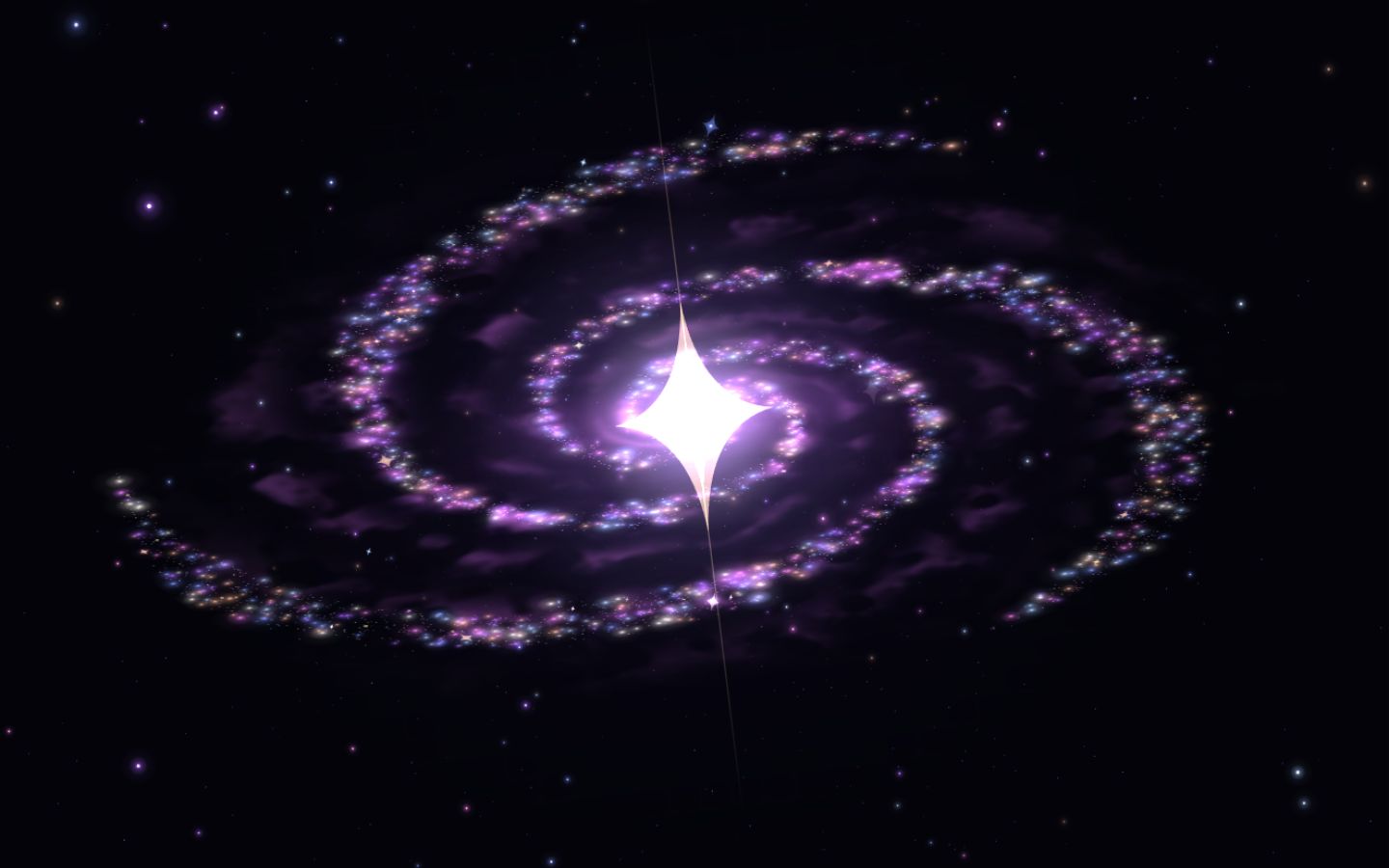
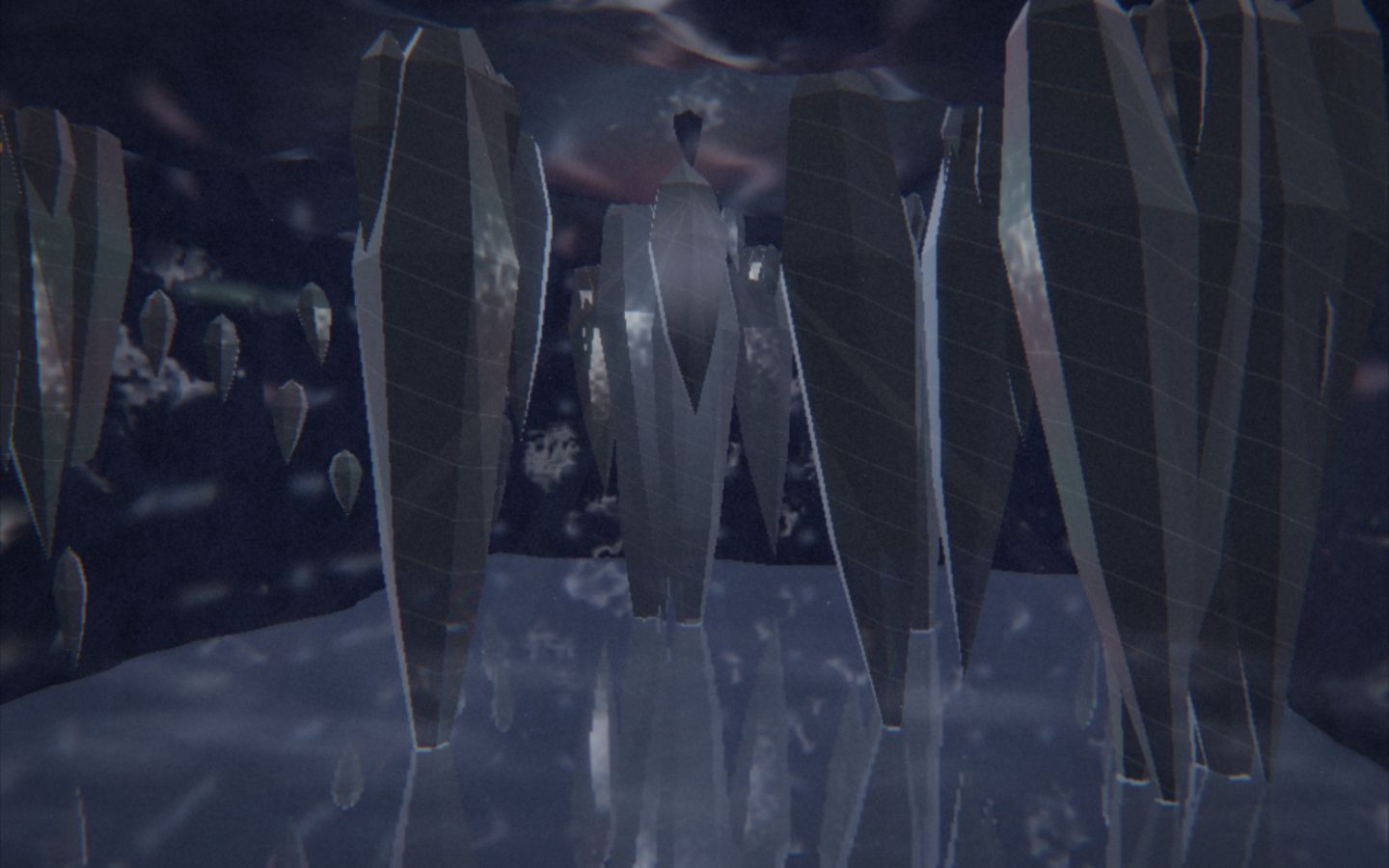
Reduced motion is on. Explore the static world previews below.
DEMO REVEALS / SAFE STROBING

08 / MAKE ROOM FOR IT

Your collection.
On your computer.

Offline. Local saves. No account. Ever.

CARDABLE v1.12.1 / WINDOWS x64

RECOMMENDED

Windows installer

Install Cardable, open it, start collecting.

↗

Complete app folder

Extract the entire ZIP. Keep its files together.
Open Cardable.exe inside.

↗

Current builds are unsigned. Windows may show an unknown-publisher warning. Download only from the official Cardable release linked here.

Saves, photos and backups

Use Cardable’s Data settings to export a JSON backup. Studio photos are separate from JSON saves. Download them from the Album too. Keep backups before replacing an installation. Reinstalling preserves the existing user-data identity.

Updates and older 4.x builds

The installed app checks the official release and downloads updates. A ready update installs on normal quit after saving. Full-folder builds update manually: close Cardable normally, then replace the app folder. Older 4.x builds need a one-time manual installer for the new 1.x series.

Graphics and performance

Very Low, Low, Medium and High are available in the game, with independent FPS and background-tab controls. Start at Medium and choose a lower tier if your device needs it.

Installation & backups ↗Read the player guide ↗

09 / THE NEXT DISCOVERY

There’s always
another possibility.

Start your collection ↗

CARDABLE / OFFLINE GPU-CARD COLLECTOR